A closer look at learning apps
Sage Teacher vs
ABCmouse
Screen Time That Helps Your Child Learn.
Sage teaches reading and math with an AI teacher who listens, explains, and helps your child practice. Lessons adjust to what your child understands, in a calm space without points or prizes.
Start my free trial →7-day free trial · Ages 4–8 · iPad & web
See how the two compare ↓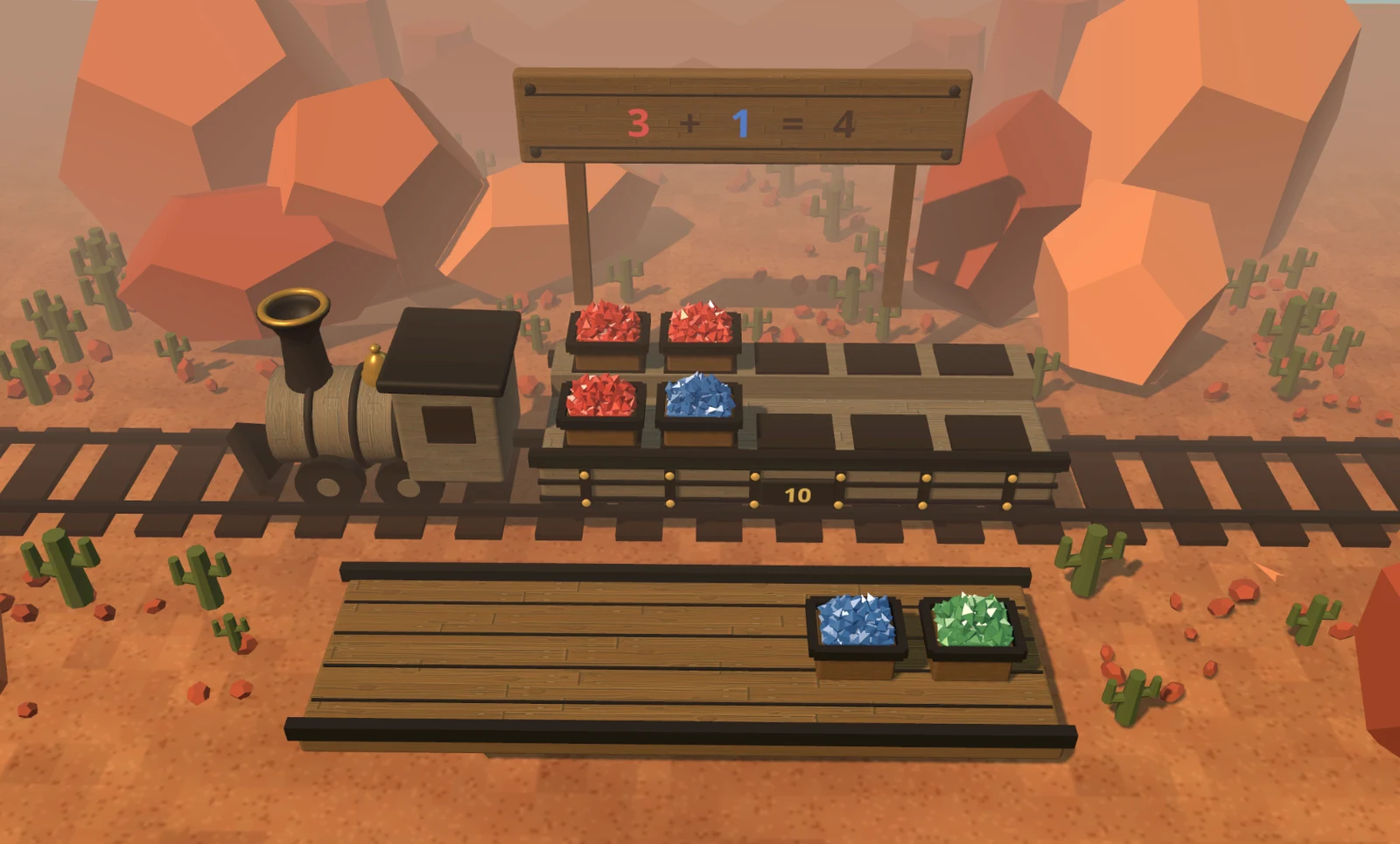
Which learning app should you choose?
Choose Sage Teacher if you want your child to get help as they learn, with lessons that adjust when they struggle or are ready for more. ABCmouse costs less and offers a large library of learning activities, with limited free access.
Choose Sage Teacher
For Teaching That Meets Your Child’s Needs.
Sage helps your child work through reading and math, explains unfamiliar ideas, and gives them another way to try when they get stuck. It uses what they learn today to choose future lessons. Its softer colors and uncluttered activities offer a calmer setting for that work.
Choose ABCmouse
For More Activities at a Lower Price.
ABCmouse offers reading and math lessons alongside games and activities in other subjects. Choose it if you want an inexpensive library for your child to explore and are comfortable with rewards for completing lessons.
What your child experiences
Sage Teacher vs ABCmouse, at a glance.
Compare the learning experience, the support around it, and the practical fit for your family.
| What matters | Sage TeacherAn AI Teacher Who Helps | ABCmouseLearning Activities and Games |
|---|---|---|
| How Children Learn | An AI teacher explains, asks questions, and guides hands-on reading and math. | Reading and math lessons in a set sequence, plus a library of activities. |
| Help When They Get Stuck | Explains the idea another way or returns to a simpler skill. Children can ask for help. | ABCmouse says its checkpoint quizzes give immediate feedback and hints after incorrect answers. |
| Practicing an Earlier Skill | Brings back earlier skills when your child needs more practice. | Parents can find extra practice in Classroom. Completed lessons cannot be reopened on the Learning Path. |
| Checking Understanding | Uses your child’s answers, explanations, and actions to decide what to teach next. | Checkpoint quizzes assess understanding. ABCmouse says it tracks performance and adjusts activities based on progress. |
| Points and Prizes | No points, prizes, or streaks. Children explore and learn with their teacher. | Children unlock virtual treasure-chest rewards as they complete lessons. |
| Visual Design | Soft colors, natural textures, and space around the activity. No prize counters. | Bright, saturated colors, cartoon characters, and visible reward cues. Classic has more crowded navigation. |
| Ages & devices | Ages 4–8 · iPad and web | Toddler through early elementary content · mobile app; ABCmouse Classic remains a separate experience. |
| Family price | 7-day free trial. $299.99/year, billed annually (about $0.82/day), or $49.99/month. | Basic: up to 10 free activities daily. Premium: $14.99/month; $79.99/year on the web or $69.99/year through Apple or Google. Plus applicable tax. |
By Sage Teacher · Updated · Sources
Help That Fits Your Child
When Your Child Gets Stuck, Sage Teaches.
Sage teaches to what your child understands. When they get stuck, it explains another way, gives them more practice, or returns to an earlier skill.
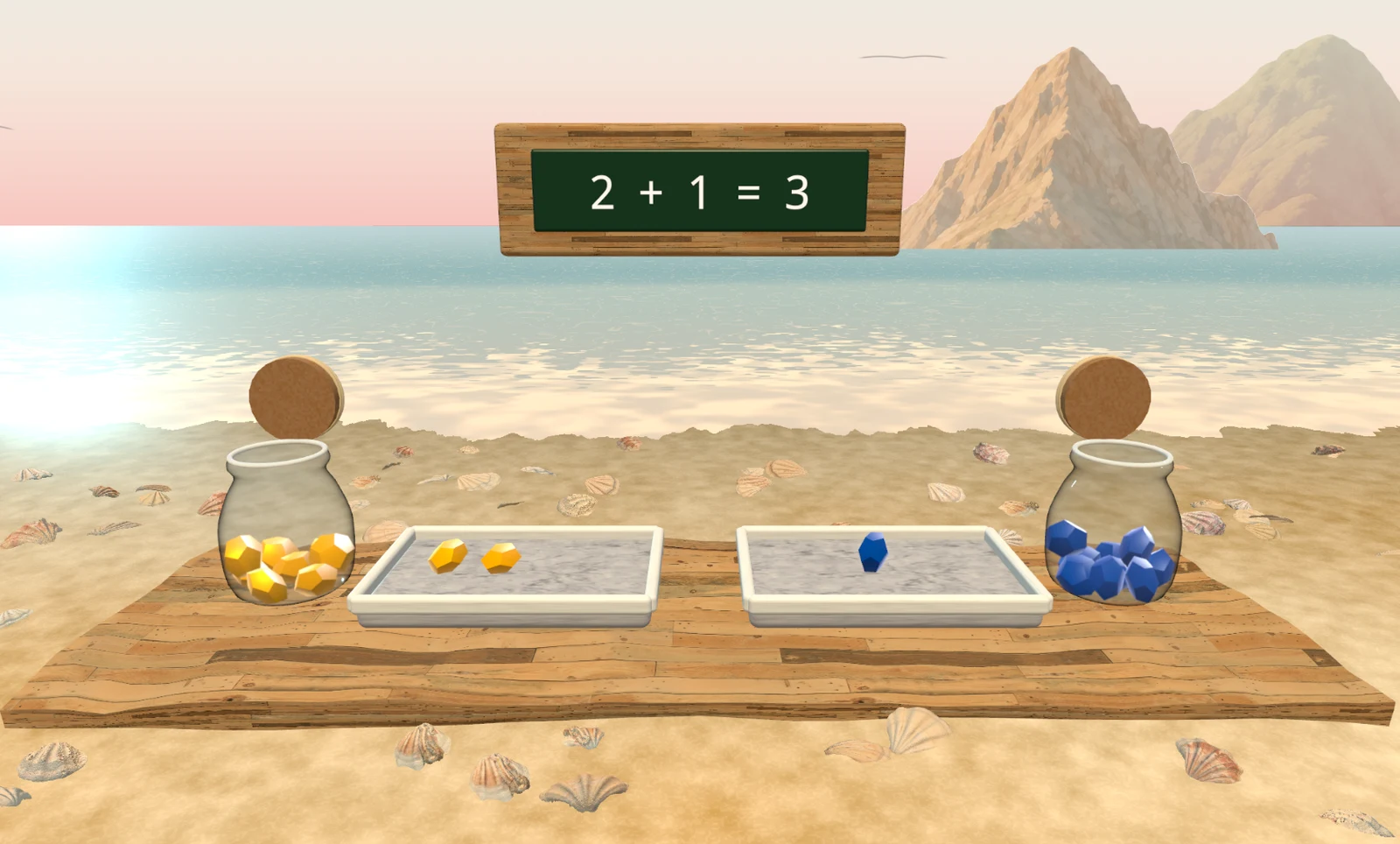
Addition is one example. Sage can show two groups of objects and help your child combine them. If counting is the difficulty, it can work on that first. This is the same approach Sage brings to teaching across reading and math.
Extra Practice in ABCmouse Takes a Different Route
ABCmouse provides hints in its checkpoint quizzes and says activities adjust based on progress. To replay a completed path activity yourself, its guide directs you to Classroom. Sage can explain another way during the activity and return to earlier foundations when your child struggles.
A Thoughtfully Designed Learning Space
Less Visual Noise. More Room to Explore.
ABCmouse’s current app fills its home screen with vivid colors, large cartoon characters, activity tiles, and reward cues. If you find that bright, toy-like style too busy or babyish, the experience can feel more like a children’s arcade than the learning space you want.
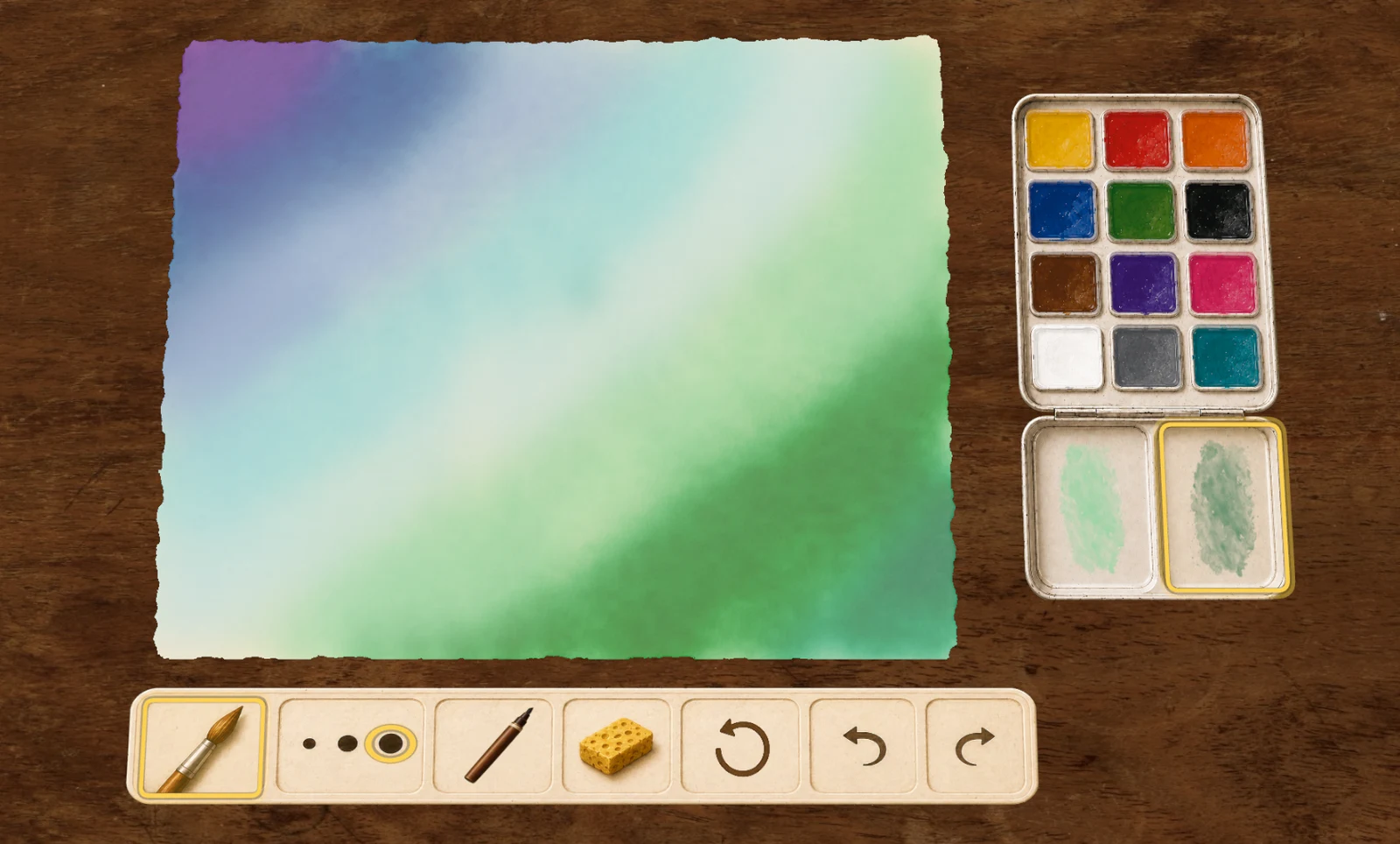
Sage uses softer colors, watercolor textures, and room around the objects your child works with. They can move gems to explore addition or watch colors mix as they paint. The materials and what your child can do with them are the center of the experience.
Sage is designed to give children room to stay with an idea, ask a question, and try again. There are no points or prizes to collect. You choose the session length, and Sage helps your child wrap up when it is time to stop.
ABCmouse Admits Its Old Design Could Be Overwhelming
ABCmouse acknowledges that Classic’s crowded design could overwhelm some children. It has redesigned the navigation, but the current app still uses a bright cartoon style and rewards for completing lessons.
A Personal Teacher Within Reach
Personal Teaching for Less Than $1 a Day
Personal teaching can cost $100 an hour. With Sage, your child has a personal AI teacher for less than $1 a day on the annual plan.
Your child gets help when they need it, with lessons that build on their progress. Personal teaching becomes part of everyday learning.
A few practical questions
Sage and ABCmouse: your questions.
Is ABCmouse free?
The current ABCmouse app has Basic Access with up to 10 learning activities each day. Premium removes the activity cap and adds broader access. Sage offers a 7-day trial, followed by a paid subscription.
Does ABCmouse personalize learning?
ABCmouse says its Reading and Math Learning Paths adapt the challenge, and parents can set the grade level for each subject. Sage responds while your child works and uses their progress across lessons to choose future work, including simpler skills when needed.
Is this about ABCmouse or ABCmouse Classic?
This comparison focuses on the current ABCmouse app. ABCmouse Classic is a distinct experience. Check which product a review or subscription offer describes before relying on its features or price.
Can my child repeat an ABCmouse lesson?
ABCmouse’s path guide says previously passed path activities cannot be replayed from that path; similar practice is available in Classroom. Its Premium plan also advertises replaying activities, so the location within the app matters.
Which should I try for a child who rushes through activities?
Try Sage if you want your child to slow down and work through what they are learning. Sage can ask them to explain an answer, show it with objects, or try another example. It uses that work to decide whether they need more help or are ready to move on.
Which app has a calmer visual style?
Choose Sage if you prefer softer colors, natural textures, and uncluttered activities. ABCmouse uses a brighter cartoon style with prominent reward cues. Its newer app simplifies the navigation found in Classic, so compare the version your child would actually use.
Calm screen time. Thoughtful teaching.
Help Your Child Learn
With Sage.
Reading and math with a teacher who helps,
in a calm space made for children.
7-day free trial · Ages 4–8 · iPad & web
Sources
Product information checked November 17, 2026. Published by Sage Teacher; based on official documentation and published product screenshots, not independent hands-on testing. Design preferences are editorial judgments. Prices and availability can change.
- ABCmouse: Learning Path levels, rewards, and replay limits
- ABCmouse: personalization
- ABCmouse: current Basic and Premium plans
- ABCmouse: current app and Classic distinction
- ABCmouse: current and Classic design, navigation, and official screenshots
- ABCmouse: quiz hints and comprehension checks
- ABCmouse: performance tracking and progress-based activities
- K12 Tutoring: private tutoring costs